
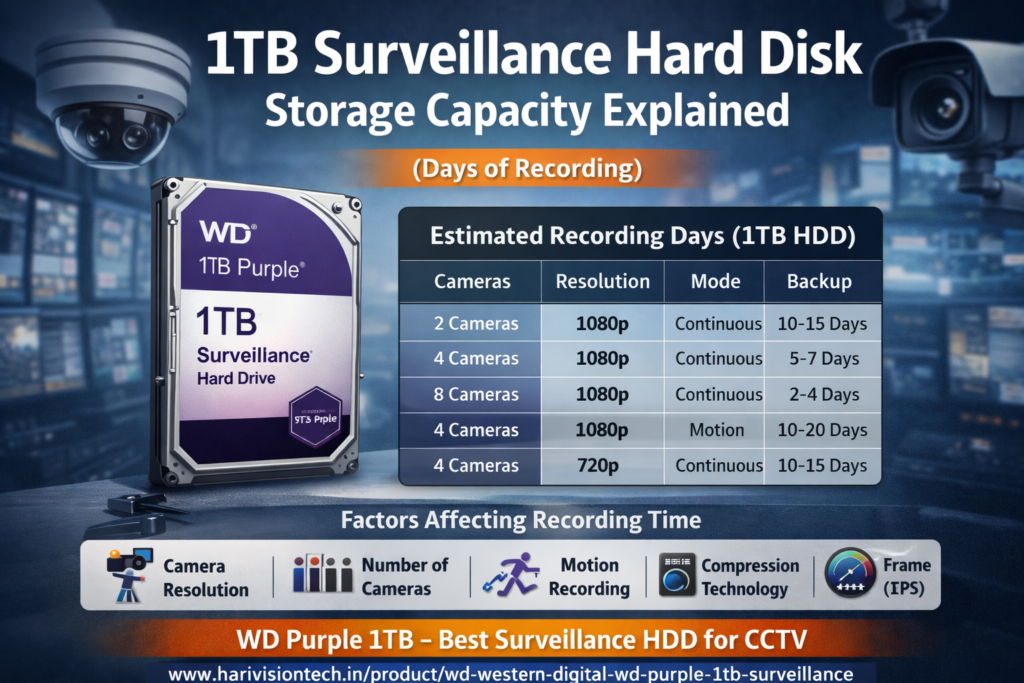
1TB Surveillance Hard Disk Storage Capacity Explained (Days of Recording)
When installing a CCTV system, one of the most common questions is:
👉 “How many days of recording can a 1TB surveillance hard disk store?”
If you’re using a 1TB surveillance HDD for DVR or NVR, this guide will help you understand recording capacity, factors affecting storage, and how to maximize backup days.
📦 What is a 1TB Surveillance Hard Disk?
A 1TB surveillance hard disk is specially designed for:
- 24/7 continuous recording
- High workload CCTV environments
- Better durability compared to normal HDD
👉 If you are looking for a reliable option, you can check this product:
👉 https://harivisiontech.in/product/wd-western-digital-wd-purple-1tb-surveillance/
🎥 How Many Days Can 1TB Store CCTV Recording?
The storage capacity depends on several factors:
- Number of cameras
- Resolution (720p / 1080p / 4MP)
- Recording mode (continuous / motion)
- Compression (H.264 / H.265)
📊 Estimated Recording Days (1TB HDD)
| Cameras | Resolution | Mode | Backup |
|---|---|---|---|
| 2 Cameras | 1080p | Continuous | 10–15 Days |
| 4 Cameras | 1080p | Continuous | 5–7 Days |
| 8 Cameras | 1080p | Continuous | 2–4 Days |
| 4 Cameras | 1080p | Motion | 10–20 Days |
| 4 Cameras | 720p | Continuous | 10–15 Days |
👉 Motion recording can increase storage by 2x–3x
⚙️ Key Factors Affecting Storage
1. Camera Resolution
Higher resolution = more storage usage
2. Number of Cameras
More cameras reduce recording days
3. Recording Mode
- Continuous → High usage
- Motion detection → Saves storage
4. Compression Technology
👉 H.265 can reduce storage by up to 50% compared to H.264
Learn more about video compression here:
👉 https://en.wikipedia.org/wiki/Video_compression
5. Frame Rate (FPS)
Higher FPS = smoother video but more storage consumption
🚀 Tips to Increase CCTV Recording Days
- Use H.265 compression
- Enable motion detection recording
- Reduce FPS (15–20 recommended)
- Adjust bitrate settings
- Use proper camera resolution
💰 Is 1TB Enough for CCTV?
✔ Best For:
- Home CCTV (2–4 cameras)
- Small shops
- Offices
❌ Not Ideal For:
- 8+ camera systems
- Large warehouses
- Industrial setups
👉 For bigger setups, consider upgrading to 2TB or 4TB HDD
🛒 Recommended 1TB Surveillance Hard Disk
For stable performance and long life, you can use:
👉 https://harivisiontech.in/product/wd-western-digital-wd-purple-1tb-surveillance/
This type of surveillance HDD is optimized for:
- 24/7 recording
- Heat resistance
- Long durability
❓ FAQ (SEO Optimized)
Q1. How many days can 1TB HDD record CCTV footage?
It usually stores 5–15 days for 4 cameras (1080p) depending on settings.
Q2. Can 1TB support 8 cameras?
Yes, but recording backup will be limited to 2–4 days.
Q3. Does motion detection increase storage?
Yes, it can increase storage duration by 2–3 times.
Q4. Is H.265 better than H.264?
Yes, H.265 saves storage and increases recording days.
Q5. Which HDD is best for CCTV?
Surveillance HDDs like WD Purple are best for continuous recording and reliability.
📞 Conclusion
A 1TB surveillance hard disk is a great option for small CCTV setups. However, your actual recording days depend on camera count, resolution, and settings.
By optimizing your DVR/NVR configuration, you can significantly increase storage efficiency and recording time.
👉 Check best HDD option here:
👉 https://harivisiontech.in/product/wd-western-digital-wd-purple-1tb-surveillance/