
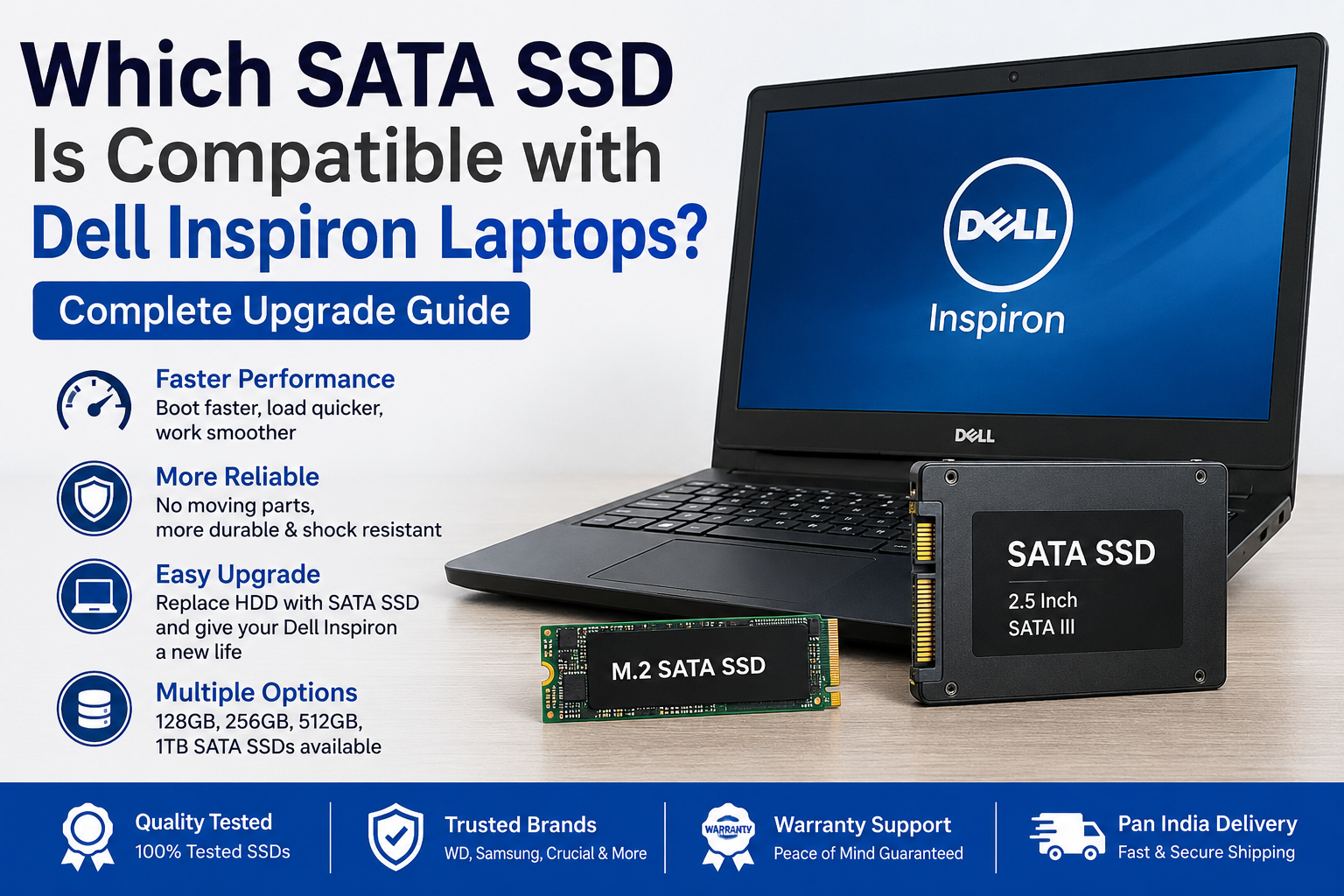
Which SATA SSD Is Compatible with Dell Inspiron Laptops? Complete Upgrade Guide
If your Dell Inspiron laptop has become slow, takes a long time to start, or struggles while opening applications, upgrading from a traditional hard disk drive (HDD) to a SATA SSD can be one of the most effective improvements.
However, before purchasing an SSD, it is important to check your laptop’s exact model because not every Dell Inspiron uses the same storage configuration. Some models support a 2.5-inch SATA SSD, while newer models may support an M.2 NVMe SSD, and some Inspiron laptops support both.
In this guide, we will explain which SATA SSD is compatible with Dell Inspiron laptops and how to choose the right SSD for your system.
Does Dell Inspiron Support a SATA SSD?
Yes, many Dell Inspiron laptops that were originally supplied with a 2.5-inch SATA hard drive can usually be upgraded with a 2.5-inch SATA SSD.
A standard laptop SATA SSD generally has:
- 2.5-inch form factor
- SATA III interface
- 7mm thickness
- Storage options such as 128GB, 256GB, 512GB and 1TB
If your Dell Inspiron currently has a removable 2.5-inch SATA HDD, a 2.5-inch SATA SSD will generally use the same storage connector and drive space. However, compatibility should always be confirmed using the specifications or service manual for the exact laptop model.
For example, Dell lists a 2.5-inch SATA drive option for some Inspiron models, while other models support both a 2.5-inch drive and an M.2 SSD.
Which SATA SSD Is Best for a Dell Inspiron Laptop?
For most compatible Dell Inspiron laptops, a 2.5-inch SATA III SSD with a 7mm thickness is the appropriate choice.
Common capacities include:
| SATA SSD Capacity | Suitable For |
|---|---|
| 128GB SATA SSD | Windows and basic applications |
| 256GB SATA SSD | Office work, browsing and everyday use |
| 512GB SATA SSD | Applications, personal files and regular multitasking |
| 1TB SATA SSD | Large files, software and additional storage |
For most users, a 256GB SATA SSD offers an affordable upgrade, while a 512GB SATA SSD provides a better balance between storage capacity and everyday performance.
Can I Replace the HDD with an SSD in a Dell Inspiron?
In many Dell Inspiron laptops, yes. If the laptop currently uses a 2.5-inch SATA HDD, it can generally be removed and replaced with a compatible 2.5-inch SATA SSD.
The upgrade process normally includes:
- Backing up important files
- Removing the existing HDD
- Installing the SATA SSD
- Reinstalling Windows or cloning the old drive
- Setting the SSD as the primary boot drive
A SATA SSD has no moving mechanical parts, making it quieter and more responsive than a traditional hard disk. SATA SSDs are commonly designed for upgrading compatible laptops and desktop computers.
SATA SSD vs M.2 SSD: Do Not Confuse the Two
Many buyers assume that every M.2 SSD is an NVMe SSD, but this is not correct.
M.2 describes the physical size and shape of the drive, while SATA and NVMe describe different storage interfaces. An M.2 slot may support SATA, NVMe, or both, depending on the laptop model.
| Feature | 2.5-Inch SATA SSD | M.2 NVMe SSD |
|---|---|---|
| Shape | Rectangular drive | Small circuit board |
| Connection | SATA connector | M.2 slot |
| Compatibility | Common in older Inspiron laptops | Common in newer Inspiron laptops |
| Performance | Fast for normal daily use | Generally faster |
| HDD replacement | Often a direct replacement | Requires a compatible M.2 slot |
Do not purchase an M.2 NVMe SSD only because your laptop has an M.2 slot. First confirm whether that slot supports NVMe, M.2 SATA, or both.
How to Check Your Dell Inspiron SSD Compatibility
Before purchasing an SSD, find the complete model number of your laptop.
For example:
- Dell Inspiron 15 3567
- Dell Inspiron 15 3593
- Dell Inspiron 15 3511
- Dell Inspiron 14 3421
You can usually find the model number on the label underneath the laptop or in Windows by searching for System Information.
After finding the model number:
- Open the official Dell Support website.
- Enter the laptop model or Service Tag.
- Open Documentation.
- Download the Setup and Specifications or Service Manual.
- Check the Storage section.
Dell’s documentation shows that storage support can differ even between Inspiron models. For example, the Inspiron 15 3511 supports configurations using a 2.5-inch SATA drive, an M.2 SSD, or both.
External reference: Dell Support and Product Manuals
Will a SATA III SSD Work with an Older Dell Inspiron?
In many cases, yes. A SATA III SSD can generally operate with an older SATA interface because SATA generations are backward compatible. However, the SSD may run at the maximum speed supported by the laptop’s older SATA interface rather than its full rated speed.
Even when maximum SSD speed is limited, users may still notice faster startup, quicker application loading and improved overall responsiveness compared with an old mechanical HDD.
Can I Use Both an HDD and SSD in a Dell Inspiron?
It depends on the exact Inspiron model.
Some models support:
- One 2.5-inch HDD or SATA SSD only
- One M.2 SSD only
- One M.2 SSD and one 2.5-inch SATA drive together
For example, Dell documents configurations with both a 2.5-inch drive and an M.2 SSD on certain Inspiron laptops.
If your laptop supports both drives, you can use an SSD for Windows and applications while keeping the HDD for additional file storage.
Is a Refurbished SATA SSD Suitable for a Dell Inspiron?
A quality-tested refurbished SATA SSD can be a cost-effective option for upgrading an older Dell Inspiron laptop. However, the SSD should be checked before purchase.
Important points include:
- SSD health status
- Storage capacity
- SATA interface
- Physical condition
- Read and write functionality
- Compatibility with the laptop model
At Hari Vision Tech, we provide quality-tested refurbished SATA SSDs for compatible laptops and desktop computers. Availability may include different capacities depending on current stock.
Internal link suggestion: Add a link here to your SATA SSD product category using the anchor text:
Buy Refurbished SATA SSD in India
Example sentence:
Looking for an affordable storage upgrade? Explore our Buy Refurbished SATA SSD in India collection and choose a suitable capacity for your laptop or desktop.
Final Conclusion
Most Dell Inspiron laptops that use a 2.5-inch SATA hard drive can generally be upgraded with a 2.5-inch SATA III SSD. A 256GB SSD is suitable for basic daily use, while a 512GB or 1TB SSD provides more space for applications and files.
However, Dell Inspiron is a large laptop series with many different models. Always check the exact model number and official storage specifications before purchasing an SSD. Do not assume that an M.2 SATA SSD and an M.2 NVMe SSD are interchangeable because compatibility depends on the laptop’s storage interface.